
Amazon, Myntra & Flipkart Image Size Guidelines (2026)
Amazon 1:1 / 1600 px, Myntra 3:4 / 1500×2000 px, Flipkart 1:1 / 1000 px, Shopify 2048×2048 px. The 2026 marketplace image spec matrix with rejection traps.
Last verified:
Short answer: Every marketplace has its own image rules, and the gap between them is wide enough to break a single-asset workflow. Amazon wants 1:1 squares with a pure white #FFFFFF background and a standing model or ghost mannequin for apparel. Myntra mandates a 3:4 portrait with a gender-matched, full-length on-model shot. Flipkart is more forgiving on ratio but still expects ≥85% frame fill on white. Shopify enforces nothing at the platform level — but your downstream channel sync (Google Shopping, Meta) does.
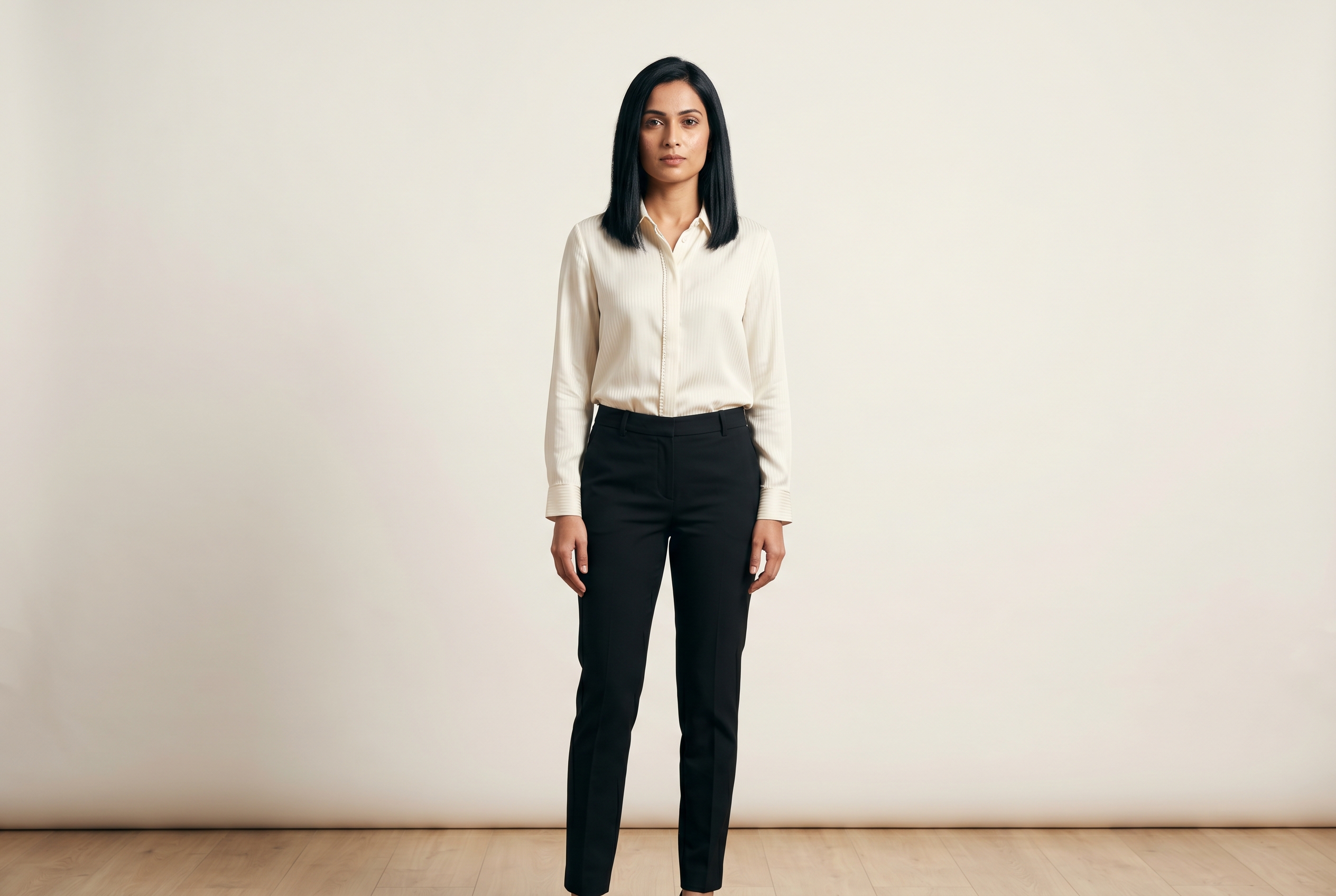
This is the verified spec sheet, with sources, for the four channels Indian and global fashion brands ship to most. Each section calls out the exact rejection traps and what changed in 2024–2026.
For a single-platform deep dive, jump to:
- Amazon Apparel & Jewelry Photo Requirements 2026
- Myntra Product Photography: 2026 Image Guidelines
- Flipkart Image Size Guidelines for Fashion (2026)
- Meesho Product Image Guidelines (2026)
- AJIO Seller Image Guidelines (2026)
- Nykaa Fashion Product Photo Specs (2026)
- Myntra vs Flipkart: Which Image Spec Wins for Fashion Brands
The 2026 spec matrix
| Amazon (apparel) | Myntra | Flipkart | Shopify | |
|---|---|---|---|---|
| Min longest side | 1,000 px | 1,440 px (3:4) | 500 px | 800 px (zoom) |
| Recommended | 1,600–2,000 px | 1,500 × 2,000 px | 1,000–2,000 px | 2,048 × 2,048 px |
| Aspect ratio | 1:1 typical | 3:4 mandatory | 1:1 (flexible in Fashion) | 1:1 recommended |
| Background (primary) | #FFFFFF strict | #FFFFFF strict | White preferred | Merchant choice |
| Frame fill | ≥ 85% | Full-length on-model | ≥ 85% | None |
| Image count | 1 + up to 8 | Min 5 | 3–8 | Up to 250 |
| Model policy (apparel) | Standing model or ghost mannequin | Gender-matched real model | On-model preferred | None |
| File format | JPEG | JPEG q85–95 | JPEG / PNG / TIFF | JPEG / PNG / WebP / HEIC |
| Max file size | 10 MB | ~2 MB (unverified) | ~1 MB target (unverified) | 20 MB |
| AI imagery (2026) | Allowed if accurate | Allowed via Myntra Studio | Allowed; QC for accuracy | No platform policy |
Image specs at a glance
Each platform's primary-image rules side by side. All four require a white seamless background.
| Spec | Myntra | Flipkart | Meesho | AJIO |
|---|---|---|---|---|
| Aspect ratio | 3:4 | 1:1 or 3:4 | 4:5 | 3:4 |
| Min dimensions | 1500×2000 | 1000×1000 | 1080×1350 | 1500×2000 |
| Model required | Yes | Category | No | Yes |
| Background | White | White | White | White |
| Max images | 5 | 8 | 6 | 5 |
The matrix tells you why a "shoot once, list everywhere" workflow rarely works. Even the same garment shot at the same time has to be re-cropped, re-modeled, or re-staged for each channel.
This is also why AI-generated photoshoots have become the obvious answer for multi-channel sellers — once you have the garment captured and a synthetic model picked, generating a 1:1 white-background Amazon main, a 3:4 gender-matched Myntra primary, and a Flipkart Fashion alternate from the same source costs cents instead of additional shoot days.
Amazon (apparel and jewelry)
The headline rule: Apparel main images must show the garment on a standing human model or rendered as a ghost mannequin. Visible mannequins are prohibited. No sitting, kneeling, leaning, or lying poses in the main slot. Flat-lay is only allowed for multi-packs, accessories, and baby/child clothing.
Dimensions: 1,000 px on the longest side is the hard floor for the zoom feature. Recommended 1,600–2,000 px. Maximum 10,000 px. JPEG is the only format Amazon recommends for product detail pages.
Background: Pure white, RGB (255, 255, 255), strictly enforced on the main image. PT01–PT08 alternates allow lifestyle, in-context, and infographic overlays.
Frame fill: Product must occupy at least 85% of the frame.
Jewelry main rules: Product-only on white. Lifestyle, on-bust, and on-hand shots are permitted only in alternates.
What changed in 2024–2025: Amazon tightened automated main-image checks. Listings with off-white backgrounds or under-85% fill now get suppressed automatically rather than just flagged. AI-generated imagery is permitted if it accurately represents the physical product.
Common rejection reasons: Off-white background, borders, watermarks, text overlays, props, visible mannequin, blur, color fringing, sub-1,000 px resolution.
Sources: Amazon Seller Central — Product image guide (gated, accessed 2026-05-04). Mirrored secondary: Jungle Scout image requirements guide, My Amazon Guy listing images guidelines.
For category-specific traps and the full PT01–PT08 sequence, see the Amazon deep dive.
Myntra
The headline rule: Myntra is the strictest channel in this list. 3:4 portrait aspect ratio is mandatory. Apparel must be on a gender-matched real model (women's wear → female model, men's wear → male model, kidswear → age-appropriate child) and at least one frame must show the garment full-length, head to mid-thigh minimum.
Dimensions: Minimum 1,080 × 1,440 px. Auto-rejects below 1,000 × 1,200 px. Recommended 1,500 × 2,000 px for hero images, 2,000 × 2,000+ for End of Reason Sale (EORS) and campaign hero placements.
Background: Primary on pure white #FFFFFF. Secondary slots (back, side, detail, look-shot) on Myntra's house-standard light grey with soft shadow.
Image count: Minimum 5 per SKU — front on-model, back on-model, side or three-quarter, fabric or trim detail/zoom, and a styled look-shot.
File format: JPEG at quality 85–95. Max file size around 2 MB (unverified — confirm in the Partner Portal before bulk uploads).
What changed in 2024–2025: Myntra Studio — the platform's AI-assisted listing tool — rolled out generative-image acceptance under the same 3:4 / gender-match rules. Flagship hero target raised to 1,500 × 2,000.
Common rejection reasons: Wrong aspect ratio (1:1 instead of 3:4), wrinkled garment, color cast, blur, visible mannequin, model gender mismatch, lifestyle prop in primary, sub-minimum resolution.
Sources: Myntra Partner Portal (gated). Myntra SKU Template (PDF mirror). Fynd documentation on Myntra image guidelines. Lohar Studio — Myntra photography guidelines.
For the full slot-by-slot breakdown and Myntra Studio AI rules, see the Myntra deep dive.
Flipkart (Lifestyle — apparel and jewelry)
The headline rule: Flipkart Lifestyle accepts more variation than Amazon or Myntra, but still expects a white-background primary with at least 85% frame fill. On-model is preferred for apparel; ghost mannequin is acceptable.
Dimensions: Minimum 500 × 500 px. Zoom threshold at 1,000 × 1,000 px. Fashion search ranking confirmed in 2025 seller communications prioritizes HD images (≥1,000 × 1,000), with 2,000 px on the longest side preferred for top placement.
Aspect ratio: 1:1 square for general catalog. Lifestyle and Fashion accept portrait crops in secondary slots.
Background: White or very-light solid; #FFFFFF preferred but enforcement is softer than Amazon. Off-white tends to get caught at QC, not at automated submission.
Image count: Minimum 3, up to 8 per SKU.
Frame fill: ≥ 85%.
File format: JPEG, PNG, TIFF, or non-animated GIF. Target file size 1 MB; upload cap is 10 MB (unverified — confirm in Seller Hub).
Jewelry: On-model and on-bust permitted. Primary should be product-only on white; hallmark or certificate image is allowed as an alternate.
What changed in 2024–2025: HD-image prioritization (≥1,000 × 1,000) was re-confirmed as a Fashion search-ranking input in 2025. Video slot officially supported.
Sources: Flipkart Seller Hub (gated, accessed 2026-05-04). Lohar Studio — Flipkart listing guidelines. Deep-Image Flipkart photo requirements.
Shopify
The headline rule: Shopify is not a marketplace and enforces no image rules at the platform level. Your spec is decided by your theme, your downstream channel sync, and your performance budget.
Dimensions: Zoom disables below 800 × 800 px. Recommended 2,048 × 2,048 px square (matches default Online Store 2.0 themes). Maximum 5,000 × 5,000 px / 25 megapixels. Maximum file size 20 MB upload cap, but practical target is 100–300 KB for performance.
Aspect ratio: 1:1 recommended. Anything else gets cropped by themes inconsistently.
File format: JPEG, PNG, GIF, WebP, HEIC. Shopify automatically serves WebP to supported browsers.
Image count: Up to 250 images per product.
Where the rules actually come from: Once a Shopify product feeds into Google Shopping or Meta Catalog, those channels enforce their own minimums (≥100 × 100 px, no promotional overlays, no watermarks). If your theme renders a 1:1 hero from a 3:4 source, expect random crops on collection pages.
What changed in 2024–2025: WebP delivery is now default. Themes shifted toward 2,048 px squares. Alt-text became a required field on Online Store 2.0 themes for accessibility audits.
Sources: Shopify Help Center — Product media types. Shopify image-size guidelines.
The multi-channel reality
A garment going to all four channels needs:
- A 1:1 white-background standing-model image at 1,600 px+ for Amazon main.
- A 3:4 portrait full-length on-model image at 1,500 × 2,000+ for Myntra primary.
- A 1:1 white-background image at 1,000 × 1,000+ for Flipkart primary, plus 2–7 lifestyle/detail alternates.
- A 2,048 × 2,048 square at 100–300 KB for Shopify, with the source available at higher resolution if you want a downstream channel to pull from it.
That's four distinct hero crops, two distinct aspect ratios, and three different file-size sweet spots — for a single SKU.
A traditional photoshoot day produces one master frame per setup, and re-shooting or re-cropping for each channel is where most brands lose the per-image economics. AI photoshoot platforms collapse this — the same garment reference renders into all four crops in minutes, at cents per image.
What to do this week
- Audit one bestseller against the matrix above. If your Amazon main is under 1,600 px or your Myntra hero isn't 3:4, fix those first. They're the highest-impact, lowest-effort wins.
- Pre-flight checklist your team: Aspect ratio, longest-side resolution, background hex, frame-fill percentage, file size. Five fields. Print it on a sticker.
- Decide your master format. Capture or render at the largest target (2,048 × 2,048) and downsize. Never upsize.
- Plan for re-runs. Each channel updates specs every 12–18 months. Keep your source files; assume you'll re-export.
If you want to see what one source garment renders into across all four channel crops, start a Kraftr shoot — pay-as-you-go credits, 4K renders typically in 60–90 seconds, no subscription. The Myntra walk-through is the most-asked-for: see Kraftr for Myntra listings for the 5-slot production view.
Further reading
Frequently asked questions
- Can I use the same product image for Myntra, Flipkart, and Amazon?
- No. Amazon wants a 1:1 square at 1,600 px+, Myntra mandates 3:4 portrait at 1,500 × 2,000 px, Flipkart accepts 1:1 at 1,000 px+, and Shopify is theme-driven (typically 2,048 × 2,048 px square). A single image cannot satisfy all four — you need at least two distinct hero crops and two distinct aspect ratios.
- What is the difference between Amazon and Myntra image requirements?
- Amazon wants a 1:1 square with a standing model or ghost mannequin on pure white #FFFFFF, at 1,000 px+ on the longest side, with the product filling ≥85% of the frame. Myntra mandates a 3:4 portrait, gender-matched real model, full-length, on #FFFFFF, at 1,080 × 1,440 px minimum (1,500 × 2,000 recommended). Myntra is the stricter of the two.
- What aspect ratio does each marketplace require?
- Amazon: 1:1 square is the de-facto standard (no fixed ratio enforced). Myntra: 3:4 portrait, mandatory. Flipkart: 1:1 for general catalog; flexible portrait in Fashion secondary slots. Shopify: 1:1 recommended; anything else gets cropped inconsistently by themes.
- Does Flipkart allow AI-generated images?
- Yes, Flipkart allows AI-generated imagery as of 2026, provided it accurately represents the physical product. QC will flag distorted prints, melted hardware, or pattern drift. Use a fidelity-first AI photoshoot platform — older tools fail Flipkart's accuracy check on knits and prints.
- What is the minimum resolution for marketplace product images in 2026?
- Amazon: 1,000 px on the longest side (zoom threshold). Myntra: 1,080 × 1,440 px (auto-rejects below 1,000 × 1,200). Flipkart: 500 × 500 px minimum, 1,000 × 1,000 px for zoom. Shopify: 800 × 800 px for zoom, 2,048 × 2,048 px recommended.
- What background color do marketplaces require?
- Amazon: pure white RGB (255, 255, 255), strictly enforced. Myntra: #FFFFFF on the primary slot, light grey with soft shadow on slots 2–5. Flipkart: white or very light solid; off-white tends to get caught at QC. Shopify: merchant choice, but downstream channels (Google Shopping, Meta) enforce their own rules.
- Can I shoot once and list everywhere?
- Not reliably. The same garment shot at the same time has to be re-cropped, re-modeled, or re-staged for each channel because of the aspect ratio, model, and background differences. AI photoshoot platforms make multi-channel rendering practical because the same garment reference can be rendered into all four crops at cents per image.
- What changed in marketplace image rules in 2024–2026?
- Amazon tightened automated main-image checks — sub-85% fill and off-white backgrounds now get suppressed automatically instead of just flagged. Myntra Studio rolled out generative-image acceptance under the same 3:4 / gender-match rules. Flipkart re-confirmed HD-image prioritization (≥1,000 × 1,000) as a Fashion search-ranking input. Shopify made WebP delivery default and shifted themes toward 2,048 px squares.
About the author
Kraftr is a fidelity-first AI catalog production tool for D2C fashion and jewelry brands selling on Indian marketplaces. We publish marketplace specs and production playbooks based on the rules our customers ship against every week.
More about Kraftr